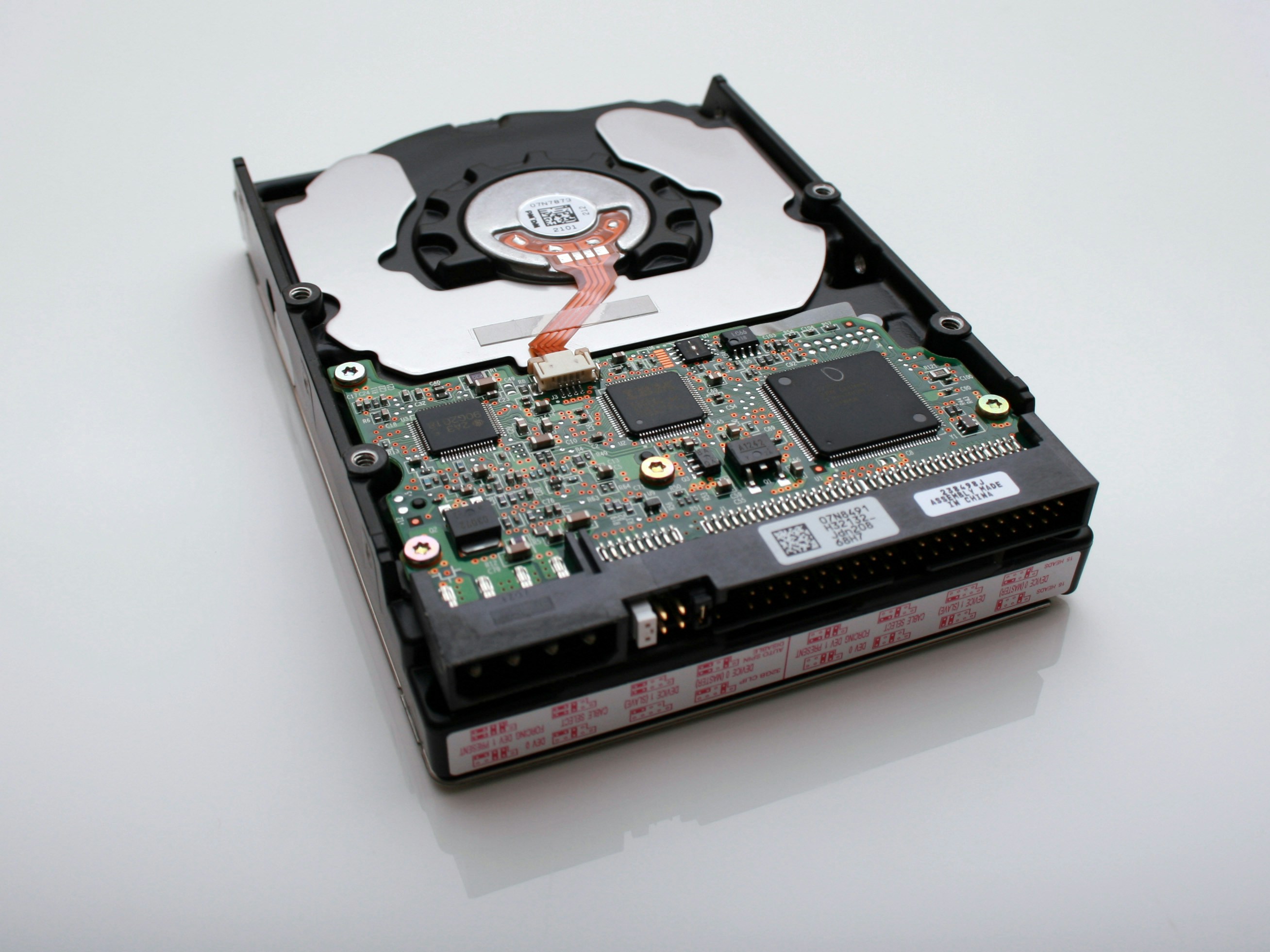
RAID was designed to make storage fault-tolerant. In practice, the very features that protect you also complicate recovery when things go wrong. A misidentified stripe size or a rebuild started too soon can turn a routine repair into permanent data loss. Here is how our enterprise engineers approach every RAID recovery — and the decisions that decide whether you keep or lose your data.
Common RAID failure scenarios
- Multiple drive failures within hours of each other (very common on old arrays where every disk is the same age).
- Controller failure with drives still healthy — data is fine, but the array metadata is gone.
- Botched rebuild after replacing a failed drive with a mismatched model or capacity.
- Silent bit rot on RAID-5 that only surfaces during the next rebuild.
- Accidental initialisation, quick format, or member drives placed in wrong slots.
What to do the moment your array degrades
Stop all writes and stop the rebuild if one has already started. A degraded RAID-5 or RAID-6 is still fully readable but very fragile — every additional write increases the chance of destroying stripes you'll need for recovery.
Photograph the physical arrangement. Note the exact slot each drive was in, the serial numbers, and the model of controller / NAS enclosure. RAID metadata is stored on the drives but slot order still matters for many controllers.
Label every drive with masking tape before removing them. Never swap drives around while investigating.
RAID-0, 1, 5, 6, 10 — recovery differences at a glance
RAID-0 (striping only) has zero redundancy. One drive lost = everything gone. Recovery is possible only if all member drives are still readable; engineers image every drive, then re-interleave the stripes using the correct block size.
RAID-1 (mirroring) is the friendliest to recover — each member drive contains a complete copy of the data. Even a single healthy mirror can be read directly.
RAID-5 (single-parity) tolerates one drive loss. A second failure during rebuild is one of the most common ways enterprises lose data. Never rebuild without imaging every remaining member first.
RAID-6 (double-parity) survives two drive losses but is complex to reconstruct manually. Correct parity math and stripe rotation must be exact.
RAID-10 (mirrored stripes) can survive multiple failures as long as no two drives in the same mirror pair die. Recovery focuses on the healthiest half of each pair.
When to DIY, and when to stop
DIY is reasonable if: (a) only one drive is dead, (b) you have an identical spare, (c) you have a fresh full backup from within the last 24 hours, and (d) the array is a simple RAID-1 or software RAID-5 you built yourself.
Call an expert when: any two drives are dead or degraded, the controller has failed, the array was previously rebuilt from a bad drive, member drives have been moved to a different enclosure, or the data is business-critical and un-backed-up. In any of these cases, one wrong click can turn a solvable problem into a permanent loss.
What a professional RAID recovery looks like
- Every member drive is cloned sector-by-sector to a healthy target disk — the original disks are then set aside and never used again.
- The array's stripe size, block order, rotation pattern and parity algorithm are reverse-engineered from the clones using specialist software (UFS Explorer Pro, ReclaiMe, R-Studio, in-house tools).
- A virtual RAID is assembled purely in software — nothing is written back to the drives at any point.
- The virtual array's file system is analysed and a file list is generated for the customer to approve.
- Only approved files are exported to a fresh delivery drive.
How much does RAID recovery cost?
Typical enterprise RAID recovery in India ranges ₹18,000 to ₹80,000 depending on drive count, capacity, and whether physical repairs are needed on member disks. NAS units (Synology, QNAP) often add complexity because of their proprietary volume managers.
Turnaround is typically 3 to 10 business days. Emergency service (24–48 hours) is available for production-critical environments.
Not sure what's wrong with your drive?
Get a certified engineer's opinion in 20 minutes — no obligation, no charge.
Frequently asked