Deleted footage
Clips deleted from the DVR menu, the mobile app or by someone covering their tracks.
Deleted clips, overwritten recordings, a formatted DVR or a hard drive that won't show up — our engineers rebuild CCTV footage from Hikvision, Dahua, CP Plus and every major DVR and NVR, with timestamps intact and a report you can hand to the police or your insurer.
DVR, NVR & camera brands we recover
Whatever happened to the recorder, there's often more footage on the drive than the DVR itself can show you.
Clips deleted from the DVR menu, the mobile app or by someone covering their tracks.
Loop recording wrote over the incident. We recover any fragments that survive between new recordings.
"Format HDD" or a factory reset by mistake — often recoverable if recording stopped soon after.
"No disk", "HDD error" or a clicking drive. Failing drives are imaged safely in our cleanroom lab.
Power surge, lightning or a failed adapter. We read the drive directly, without the recorder.
Proprietary formats and broken clips repaired and converted to MP4 that plays on any PC or phone.
Multi-drive NVRs and video servers for offices, campuses and warehouses, rebuilt drive by drive.
Wi-Fi and IP cameras recording to microSD, plus dashcam footage after an accident.
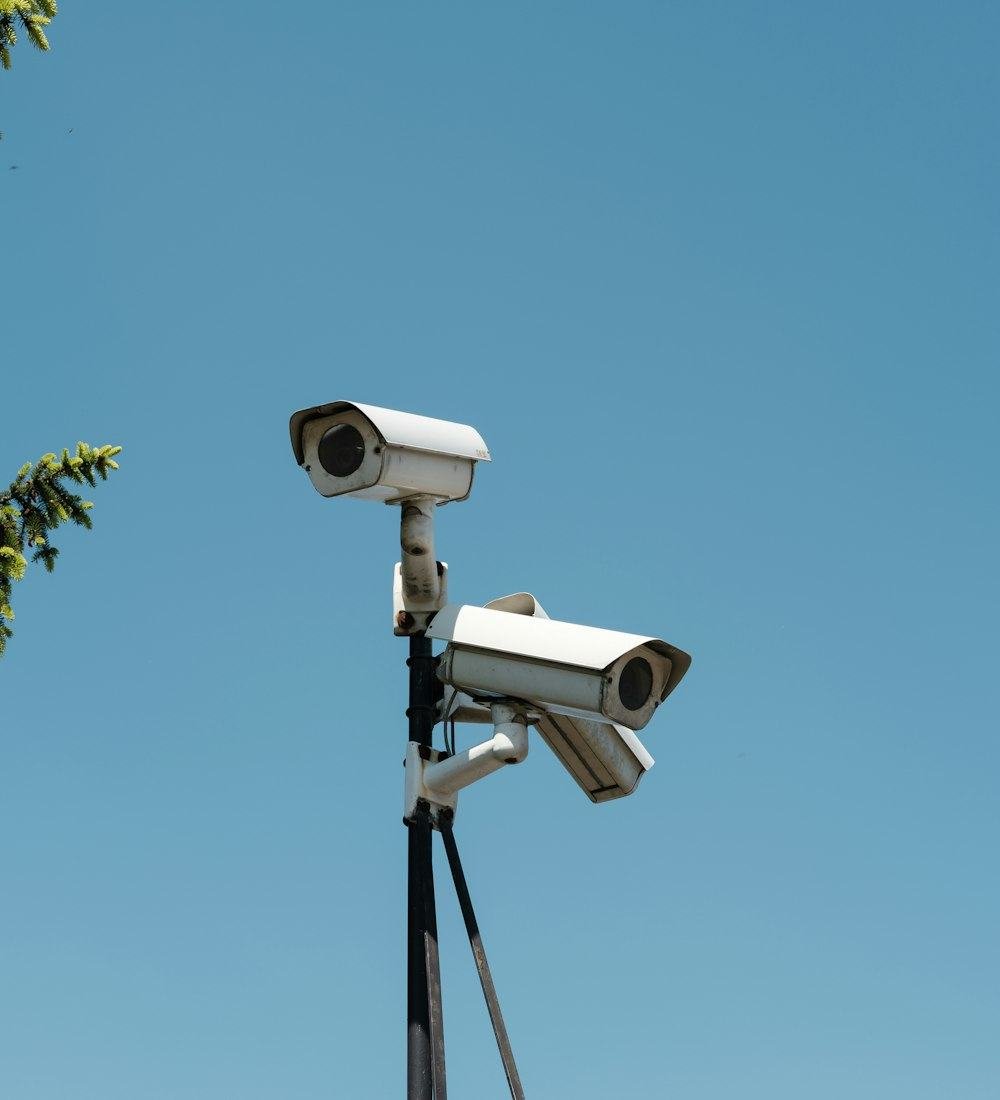
Plug a DVR hard drive into a computer and it looks empty or asks to be formatted. That's because recorders use their own storage formats — and why ordinary recovery software usually finds nothing.
Hikvision, Dahua and other recorders write video in their own layouts. We read them natively and rebuild the index of recordings.
New video replaces the oldest. We locate surviving fragments and stitch together every second that's still on the drive.
Footage is sorted by camera and date-time, so you can jump straight to the incident instead of scrolling hours of video.
When CCTV footage matters for a police complaint, an insurance claim or a dispute, how it was recovered matters too.
Honest answer: once new video is written over the exact same space, that part of the old footage is gone for good. After the free diagnosis we'll tell you precisely which cameras and time ranges can be recovered — before you pay anything.
Homes, businesses and institutions across Bengaluru trust us with recordings they can't afford to lose.
Send the enquiry below or WhatsApp us. An engineer advises how to preserve the footage.
Drop the DVR / NVR (with its power adapter) or just its hard drive at our SP Road lab, or arrange pickup.
We image the drive, check which cameras and times are recoverable, and confirm the cost first.
Preview the recovered clips with us, then receive them on a new drive with your report.
The more detail you share, the faster we can advise. You'll get an enquiry number straight away, and an engineer will call you back.
An engineer will call you shortly. If the DVR is still recording, switch it off now to protect the footage.
Straight answers about recovering CCTV and DVR footage.
Not sure if your footage can be saved? Ask an engineer — it's free.
Ask on WhatsAppUsually, yes. When footage is deleted from a DVR or NVR, the video data normally stays on the hard drive until new recordings overwrite it. Data Doctor Hub reads the drive directly, rebuilds the recorder's index and recovers the clips with their camera number and timestamps. The sooner recording is stopped, the better the chances.
Only partly. When a DVR records over the same space, the old video there is permanently replaced. However, loop recording rarely overwrites everything evenly, so fragments of the older footage often survive between new recordings. After a free diagnosis, Data Doctor Hub tells you exactly which cameras and time ranges are recoverable.
Not necessarily. A quick format or factory reset usually clears the DVR's index, not the video itself. If the recorder was switched off soon afterwards, most of the footage can often be recovered. Don't let it keep recording, and don't format it again.
Data Doctor Hub recovers footage from Hikvision, Dahua, CP Plus, Uniview, Honeywell, Godrej, Zicom, Prama, Bosch, Axis, Panasonic and most other DVRs and NVRs, as well as SD cards from Wi-Fi cameras and dashcams.
The footage is stored on the DVR's hard drive, which often survives when the recorder's power board fails. Bring the DVR or just its hard drive to the lab; the drive is read directly without needing the recorder to work. Don't keep trying to power it on.
Data Doctor Hub delivers recovered clips with MD5 and SHA-256 hash values and, on request, a written recovery report and chain-of-custody record. Whether evidence is accepted is decided by the police, insurer or court, but this documentation shows how the footage was recovered and that it hasn't been altered.
Diagnosis is usually completed within 48 hours, and urgent cases can be prioritised. Simple deleted-footage cases are often finished in 2–3 days; physically failed drives or multi-drive NVRs can take longer. You'll get a time estimate with the quote.
The diagnosis is free. The price depends on the recorder, drive size and the damage, so Data Doctor Hub confirms an exact quote before starting. If the footage can't be recovered, there's no charge.
Bringing the DVR with its power adapter is best, because it helps confirm the recorder's settings. If that's difficult, the hard drive alone is enough in most cases. Data Doctor Hub's labs are near SP Road, Bengaluru, and pickup can be arranged.
